A price alert is one short message: the product you were watching is cheaper now. Getting there takes a handful of steps, and understanding them explains both why alerts are useful and why they are not magic.
This article follows one alert from start to finish using DealTrackerProBot as the example, without going into private implementation details.
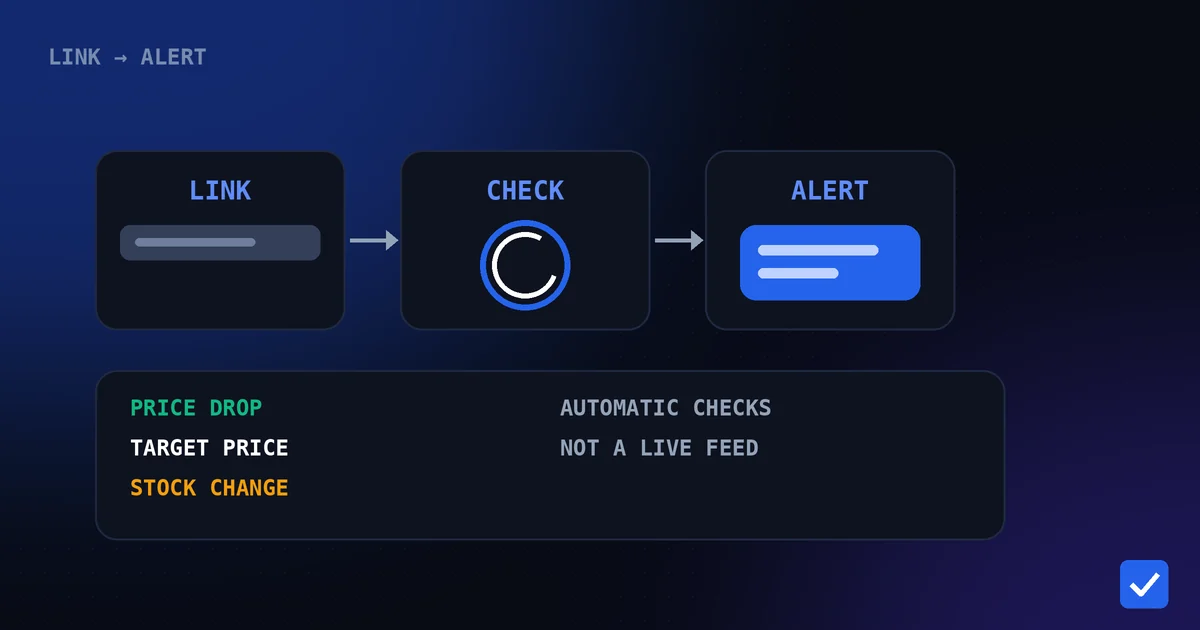
Key takeaway: an alert is the end of a simple chain: a link you send, repeated automatic checks, a comparison with what was recorded before, and a Telegram message when something noteworthy changes.
The Path From Link to Alert
- You send a product link. A supported Amazon or Flipkart product link goes into the bot's chat.
- The bot starts tracking. It records the product and its current price as the starting point.
- It checks automatically. In the background, it re-checks tracked products and compares what it finds with what it recorded.
- It spots a change. A lower price, a price at or below your target, a change in stock, or on Amazon a supported coupon.
- It messages you. The alert arrives in the same Telegram chat.
This is automatic checking, not a live feed. An alert follows a check, so there can be a gap between a price changing on the store and the bot noticing it.
What Can Trigger an Alert
| Trigger | What you are told | Coverage |
|---|---|---|
| Price drop | The tracked price has fallen. | Supported Amazon marketplaces and Flipkart |
| Target price | The price reached or went below your number. | Supported Amazon marketplaces and Flipkart |
| Stock change | A product is out of stock or back in stock. | Amazon and Flipkart |
| Coupon | A supported coupon appeared or changed, when detected. | Amazon only |
Coverage can vary by marketplace and product. The supported stores page lists the currently supported stores.
Target price versus any drop
Without a target price, you are notified of price drops in general. With one set using /target, alerts are tied to the number you chose, so a stream of small movements does not reach you. How to set a target price explains how to choose one.
How Repeat Alerts Are Handled
Since July 30, 2026, price-drop alerts have been designed to avoid repeating. You are alerted when a product first qualifies and again if the qualifying price changes, but not over and over while the price stays the same. If a deal lasts a long time, you may occasionally get a reminder, and if the price rises and later drops again, you get a new alert.
Why Telegram Works Well for Alerts
- It is already on your phone. There is no extra app to install or log in to.
- Messages stay in one place. You can scroll back through earlier alerts in the chat.
- You can act in the same place. Commands such as /list, /product and /target work in the same conversation.
- Notifications are yours to tune. Telegram's own settings control sound, muting and previews.
Making Sure You Actually See Them
A perfectly good alert is useless if your phone hides it. Check that notifications are allowed for Telegram, that the bot's chat is not muted, and that Do Not Disturb or battery-saving modes are not silencing the app. These settings live in Telegram and your phone, not in the bot.
What Can Delay or Limit an Alert
- Check timing. An alert follows a check, so it is not instant.
- Unsupported products. Only supported products and marketplaces can be tracked.
- Feature differences. Coupons are Amazon-only, and features may vary by marketplace and product.
- Tracking limits. Free users can track up to 10 active products. Premium gives unlimited active product tracking and does not change which alerts exist.
- No guarantees. An alert tells you what changed. It cannot promise a lower price will come or that a price will last.
Where to Go From Here
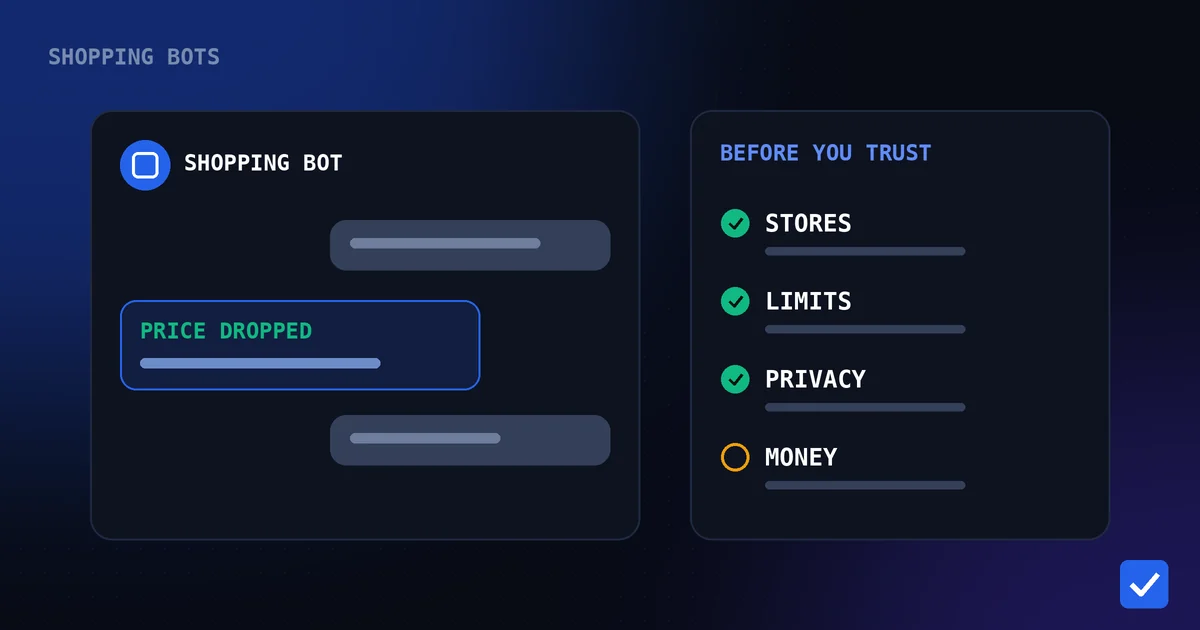
If you want to set this up, how to track Amazon and Flipkart prices automatically walks through the first steps, and the Telegram commands page lists every command. For a wider look at what shopping bots can do and what to check before trusting one, read Telegram shopping bots explained.
Related pages: Price-Drop Alerts, Target Price Alerts, Back-in-Stock Alerts, Telegram Commands, How It Works, Supported Stores