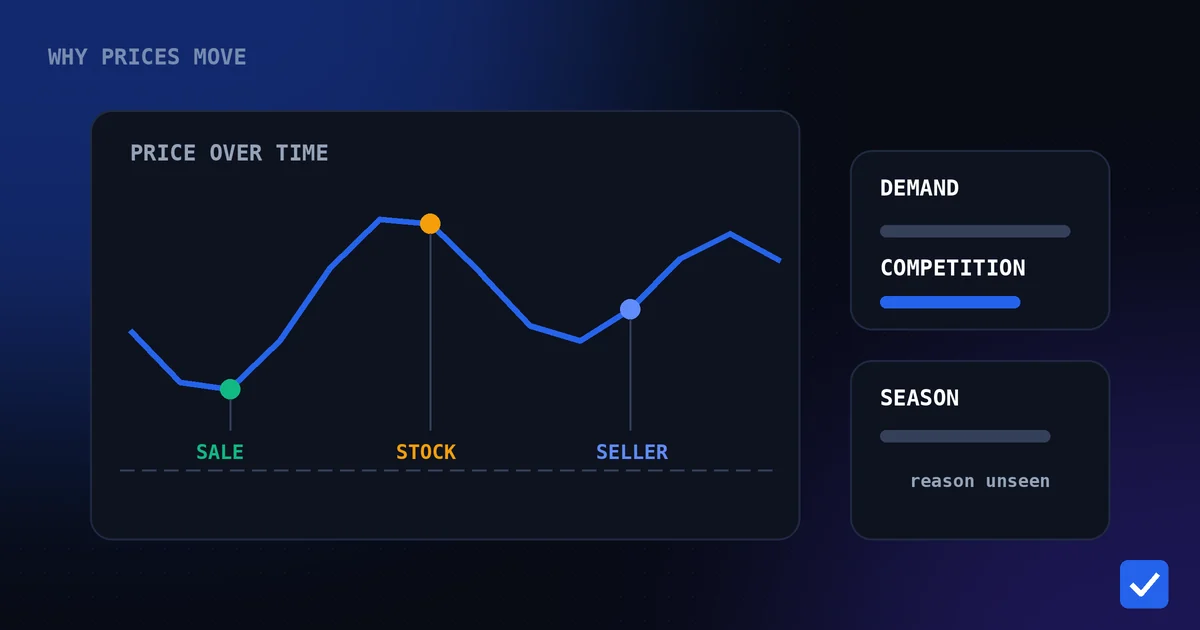
Flipkart's prices rarely stay still for long. A phone that's ₹24,999 this morning can be ₹22,999 by evening, then back up again before the weekend. If you're relying on memory or a single glance at the listing, you have no real way of knowing whether today's price is actually good.
A Flipkart price tracker solves this by watching the listing for you, continuously, and telling you the moment something changes. Instead of hoping you check at the right time, you find out automatically.
This guide covers what a Flipkart price tracker actually does, why Flipkart's prices move as often as they do, how price history and target prices work together, and how to use Telegram-based tracking to buy at a genuinely good price instead of guessing.
Think about the last time you added something to your Flipkart wishlist "to buy later." Most people either forget about it entirely, or come back weeks later and buy at whatever price happens to be showing that day — with no idea whether it's actually a good one. A tracker replaces that vague intention with an actual plan: watch the price, wait for the number that makes sense, and act on it automatically.
What Is a Flipkart Price Tracker?
A Flipkart price tracker is a tool that monitors a product listing on a recurring schedule and notifies you when something worth knowing about happens — a price drop, most commonly, though a good tracker also watches for related signals like changes in availability.
You add a product once, by sending its link. From that point forward, checking it is no longer your job. The tracker records the price at each check, compares it against what it saw before (or against a target price you've set), and sends a notification the moment that comparison matters.
The alternative is doing this by hand: reopening the same Flipkart listing every day or two, trying to remember what the price was last time you looked. It's not that this never works — it's that it doesn't scale past one or two products, and it depends entirely on you happening to check at the right moment. A tracker removes that dependency entirely.
Why Flipkart Prices Change Frequently
Flipkart listings move for a mix of reasons, and most of them have nothing to do with a fixed schedule you could predict just by watching casually.
Multiple sellers on one listing. Many Flipkart products are sold by more than one seller through the same product page. When one seller adjusts their price, others frequently follow within hours to stay competitive, which alone can cause a price to shift several times in a single week.
Inventory and demand. When a seller has excess stock, prices often drop to move it faster. When demand spikes — around a new model launch, or a specific size or color running low — prices can hold steady or even climb until supply catches up.
Sale events. Big Billion Days is the most visible example, but Flipkart runs smaller regional and category sales throughout the year as well. Prices during these events are genuinely lower on many items, though not universally — which is exactly why checking history around a sale matters more than trusting the sale banner alone.
Bank and card offers layered on top. Instant discounts tied to specific banks or cards change independently of the base price, meaning two people looking at the same listing on the same day can see two different effective prices depending on their payment method.
Put together, this means a Flipkart listing can look completely different from one week to the next, for reasons that have nothing to do with when you personally happen to be shopping.
This is worth taking seriously for anything beyond a small, low-cost purchase. A modest price swing on an inexpensive accessory barely registers. The same percentage swing on a large appliance, a laptop, or a premium phone can represent real money — exactly the kind of purchase worth watching for a couple of weeks rather than deciding on the spot.
Understanding Flipkart Price History
Price history is the record of what a product has actually cost over time, rather than just what it costs right now. It's the single most useful piece of context for deciding whether today's price is genuinely worth acting on.
Without history, a price is just a number. With it, that number has context: has this product been cheaper before? How recently? Is today's price close to the lowest it's ever been, or is it just an average day wearing a discount badge?
This matters most during sale events. A "Big Billion Days special price" is only special if it's actually lower than what the product sold for in the weeks before the sale. Price history is how you check that claim instead of taking it on faith — by looking at what the listing actually showed a few weeks earlier, not what a banner on the page claims about it today.
It also protects against a subtler issue: prices that drift upward slightly in the days before a sale, so the eventual "discount" looks larger than it really is. This isn't necessarily deliberate on any single seller's part, but the effect on a shopper is the same either way, and history is the only reliable way to catch it.
The further back that history goes, the more useful it becomes. A single week of data tells you very little. A month or two shows an actual pattern — whether a product tends to dip around a specific time, whether its "sale price" is meaningfully different from its usual price, and whether today's number is worth acting on or worth waiting past.
How to Track a Flipkart Product Price
You don't need a browser extension or a separate account to track a Flipkart product. With DealTrackerProBot, a Telegram price tracker, it works like this:
- Open the bot. Start a chat with DealTrackerProBot on Telegram and press Start.
- Copy the Flipkart product link. Choose the exact variant you want, since colour, storage or size can change the price and the stock.
- Paste the link into the chat. Tracking starts for that product.
- Wait for alerts. You're notified when the tracked price drops, and you can set a target price if you'd rather only hear about the number you want.
- Check on it any time. Your tracking list shows everything you're watching, and the history for a product covers the time since you started tracking it.
A note on scope: for Flipkart, the bot supports price tracking, target prices, price history, stock detection and back-in-stock alerts. Coupon monitoring and coupon alerts are currently available for Amazon products only. You can confirm what each store supports on the supported stores page, see the dedicated Flipkart price tracker page, read the Flipkart price tracker feature page, or see every command on the Telegram commands page. For a shorter, task-focused walkthrough, see how to track Flipkart prices.
Benefits of Tracking Flipkart Prices
Once tracking replaces manually rechecking a listing, several concrete advantages show up — and none of them require more effort from you than adding the product link in the first place.
- You catch drops you'd otherwise miss. Some price changes last only a day or two. A tracker notices them the moment they happen, rather than after they've already reversed.
- You get evidence instead of a guess. Comparing today's price against real history is a fundamentally different decision than trusting a badge that says "40% off."
- You stop repeating the same manual check. The time spent reopening a listing every few days adds up, especially across more than one product.
- You're ready for sale events in advance. Tracking a product a few weeks before Big Billion Days gives you a real baseline to judge the sale price against, instead of comparing it to nothing.
- You make fewer regretful purchases. Buying right before a price drops further is one of the more common regrets in online shopping, and tracking directly reduces how often it happens.
- You build a habit that compounds. Tracking one product takes a minute. Doing it consistently across everything you buy online turns small individual savings into a noticeably lower total spend over a year.
Target Price Alerts Explained
A target price is the number you've decided you're willing to pay — set once, in advance, rather than reacted to in the moment.
Instead of being notified every time a listing shifts by a small amount, you set your number, and the tracker only alerts you once the price reaches or drops below it. This turns a stream of minor updates into one meaningful message: the point at which the product is actually worth buying, by your own standard rather than the platform's framing of a "deal."
Setting a target that means something depends on having real data behind it. A number picked at random either never triggers, because it was never realistic, or triggers immediately, because it was barely below the current price to begin with. Checking price history first — seeing what the product has actually sold for over recent weeks — is what makes a target price meaningful instead of arbitrary.
Price Drop Alerts Explained
A price drop alert is the simpler, more immediate sibling of a target price: instead of waiting for a specific number, you're notified whenever the price falls at all.
This is useful for products where you don't have a firm number in mind yet, or where you're mainly trying to stay aware of movement before deciding on a target. It's also useful as a starting point — watching how a product's price actually behaves for a week or two before committing to a specific target price based on real observed behavior rather than a guess.
Together, target prices and price drop alerts cover both ends of the same problem: one gives you precision once you know what you want to pay, and the other keeps you informed while you're still deciding.
How DealTrackerProBot Helps
DealTrackerProBot brings price tracking for Flipkart (and Amazon) into a single Telegram chat, without requiring a separate app or account.
Here's what it actually does today:
- Flipkart support — send a Flipkart product link, and tracking starts immediately.
- Price history — see how a tracked product's price has moved since you started watching it.
- Price drop alerts — get notified automatically whenever a tracked product's price falls.
- Target price tracking — set the price you're willing to pay, and get alerted only once it's reached.
- Automatic monitoring — once a product is added, checking it is no longer something you need to remember to do.
- Telegram notifications — every alert arrives as a normal message, in the same chat where you added the product.
There's no dashboard to log into and no extra account beyond the Telegram account you already have. You send a link, and monitoring starts from there.
These features are more useful combined than any one of them is alone. Price history tells you what a realistic target actually looks like. The target price alert tells you the exact moment that number is hit. Price drop alerts keep you informed in the meantime, even before you've settled on a specific number. Automatic monitoring is what makes all of it possible without you doing the checking yourself.
How Can You Get Flipkart Stock Alerts?
A low price doesn't help if the product is sold out. Flipkart stock detection and back-in-stock alerts were added on August 13, 2026, building on stock detection that already existed for Amazon, so tracked Flipkart products now get availability alerts as well as price alerts.
There's no separate setup. Stock monitoring is part of tracking: send the product link to the bot, and if the item is unavailable you'll get a back-in-stock alert when it returns. While it is unavailable, price alerts that don't matter are held back, so you aren't told about a price you can't pay. Because stock can differ by size or colour, track the exact variant you want.
The details, including how stock status appears in your tracking list, are covered in our guide to back-in-stock alerts for Amazon and Flipkart, the back-in-stock alerts feature page, and the release note on the updates page.
Common Mistakes Buyers Make
A handful of habits quietly lead to overpaying, even among shoppers who consider themselves careful:
Trusting the discount percentage on its own. A badge describes a comparison, not a promise. It's only meaningful if the number it's being compared against is real and recent.
Waiting until a sale starts to check history. By the time Big Billion Days begins, it's too late to establish a baseline. Tracking a product a few weeks ahead gives history time to actually mean something.
Setting a target price without any data. A target chosen without checking history is a guess wearing the shape of a decision. Check what the product has actually sold for first.
Assuming every seller on a listing behaves the same way. Multi-seller listings can have meaningfully different pricing behavior between sellers, even on the same product page.
Ignoring bank or card offers, or over-relying on them. These change independently of the listed price and are easy to either miss entirely or mistake for a permanent discount.
Tips for Saving More Money on Flipkart
A few habits consistently make the biggest difference:
Track a product for a few weeks before you actually plan to buy it, not the day you decide you want it — this is what gives price history time to become useful. Treat sale banners, including Big Billion Days messaging, as a starting point for checking history rather than a reason to buy immediately. Set a target price based on what you've actually observed, not on what feels like a fair guess. Watch for bank and card offers separately from the listed price, since they can change the real cost significantly. And when a listing has multiple sellers, pay attention to which seller you're tracking, since prices between them can diverge.
Conclusion
Flipkart's prices move for reasons that have little to do with when you happen to be browsing — competing sellers, shifting stock, sale events, and bank offers that layer on top of the listed price. Checking manually means trying to catch a moving target with no real record of where it's been.
Price history gives that record. Target prices and price drop alerts turn it into something that notifies you automatically instead of requiring you to keep checking by hand. Used together, they're the difference between hoping today's price is good and actually knowing it for certain.
Open DealTrackerProBot on Telegram, send it the Flipkart product you're currently watching, and let it track the price from here on out.
Related pages: Home, Pricing, Supported Stores, Telegram Commands, About, Contact, Flipkart Price Tracker, Price Drop Alerts, Target Price Alerts, Back-in-Stock Alerts, Features, FAQ